


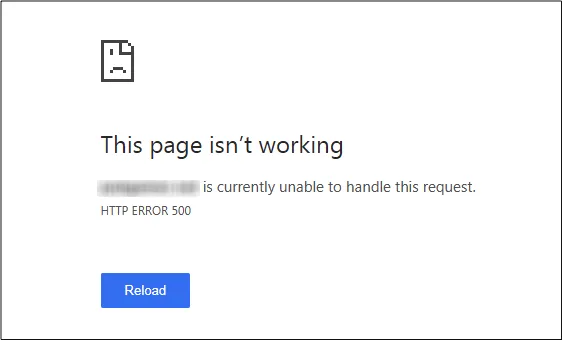
Something’s not right with your website. Here’s how to get it in front of me as quickly as possible. It depends on whether I already look after your site, so this guide is in two parts.
If you’re an existing client
If I host your website or you’re on a care plan, you’re in the right place. How you get in touch depends on how bad things are.
Your whole website is down
Phone me on 01235 364 545. A site that’s completely down jumps the queue. If I’m on another call, leave a message and I’ll get straight back to you.
Before you call, it’s worth a quick look at the service status page. If there’s a wider problem with the hosting platform, it’ll be on there, along with what’s being done about it.
Part of your site is broken and it’s stopping things working
Think checkout not taking payments, a contact form that won’t send or a page that won’t load. Phone me too. These cost you money or enquiries, so they get the same treatment.
Something’s wrong, but the site’s still working
A typo, a wonky image, a page that looks a bit off. Use the request support form, or email support@prystine.co.uk if that’s easier. I reply within one working day, and usually much sooner.
The more detail you can give me, the quicker I can fix it:
- Which page it’s on (the web address is perfect)
- What you expected to happen, and what actually happened
- A screenshot, if you can grab one
- What device and browser you were using, if it only seems to happen on one
Please note: if I built your website but don’t host or maintain it, I’m still very happy to take a look. I just can’t always fix it as quickly, and the work may be chargeable. Keeping a site on a care plan avoids exactly that.
If you’re not a client (yet)
You’re still welcome to get in touch. Tell me what’s going wrong and where your website is hosted.
To work out what’s happening, I’ll usually need access to the site. That’s normally the WordPress admin login plus your hosting control panel login (cPanel, for example) or FTP details. Please don’t email passwords in plain text: PrivateBin is a free and simple way to send them securely.
Before I start any work, I’ll tell you what I think the problem is and what it’ll cost to fix. Most issues can be sorted, but I won’t promise a fix until I’ve seen what’s going on.
If your site is completely down and you’d like to do some digging yourself first, my guide on what to do if your website is down walks through the usual suspects.