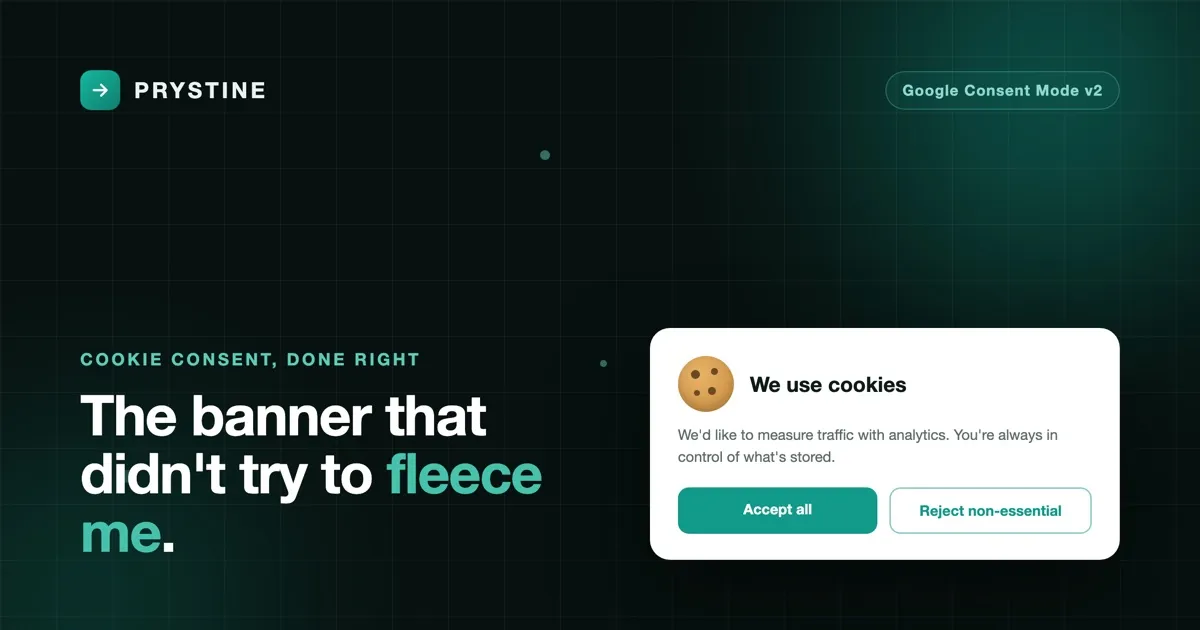
I’ll let you in on a secret about cookie banners: most of the “free” ones aren’t.
You’ll find a banner, install it, customise the colours, feel rather pleased with yourself — and then discover the one feature you actually came for is locked behind a subscription. That feature is almost always Google Consent Mode v2: the thing the EU’s Digital Markets Act now effectively requires if you want to keep using Google’s analytics or ad products. Funny how the mandatory bit is the bit they charge for.
I went round the houses on this recently on a client site, so let me save you the afternoon I lost.
A quick aside on why I don’t love this in the first place
If you’ve read anything else on here you’ll know I’m a fan of Plausible and cookieless analytics generally. No banner, no consent faff, no creepy cross-site tracking, and you can actually read the dashboard without a degree in funnel attribution. For a lot of sites it’s simply the right answer, and I’ll happily die on that hill.
But sometimes the client wants Google Analytics. They’ve got their reasons — existing reporting, an agency that wants GA4 data, conversion modelling that genuinely matters at their traffic levels. And when GA4 is the requirement, Consent Mode v2 is the requirement. That’s just the deal now.
So there I was, needing a consent banner that does v2 properly, ideally without adding yet another monthly line item to a client’s bill.
The usual suspects
First stop was the obvious ones. The client’s site was already running a perfectly nice cookie notice baked into their theme — except “baked into the theme” turned out to mean “fires Google Analytics on accept and does nothing else.” That’s old-school conditional loading, not Consent Mode. No consent signal, no event for anything to hook into, no modelling. Dead end.
Then I looked at the big plugin names. One I’d used before does Consent Mode v2 beautifully — behind its Premium tier. The free version will happily show you a banner and block scripts, but the actual v2 signalling, the bit I needed, requires the upgrade. Fair enough, they’ve got to eat. But it’s another licence to manage across a stack of client sites.
The other popular free-tier option has a page-view cap that this site would blow through by Tuesday lunchtime.
I was starting to resign myself to just paying for something when I stumbled onto Silktide’s Consent Manager.
The breath of fresh air
Here’s the pitch, and it’s almost suspicious in how reasonable it is: free, open source, Google Consent Mode v2 out of the box, no accounts, no page-view limits, no domain limits. Their own marketing makes the same point I opened with — that charging for a legally mandatory feature is a bit much — and then just… doesn’t do it.
Open source matters to me here, and not for ideological points. It’s on GitHub, I can read exactly what it does, I can self-host the files instead of leaning on someone’s CDN, and there’s no vendor account sitting between me and the config holding it hostage. For something that handles consent — a thing I’d rather not take on faith — that transparency is worth a lot.
The implementation was the genuinely pleasant surprise. The whole model is clean:
- A small snippet sets the default consent state to “denied” before anything else loads.
- The Silktide script and your banner config do the rest.
- When a visitor makes a choice, the banner fires Google’s consent update automatically. No cookie-polling hacks, no custom JavaScript reading a string out of a cookie on the next page load — it just emits the proper signal, there and then.
That last point is where the theme-baked banner had fallen down completely. It set a cookie and told nobody. Silktide fires a real gtag('consent', 'update') the moment the choice is made, plus a custom event you can hang other tags off if you need to. That’s the difference between a banner that looks compliant and one that actually does the job.
The one gotcha (there’s always one)
It wasn’t entirely frictionless, in fairness. I initially tried to keep everything inside Google Tag Manager to avoid touching the site’s header — tidier for managing across clients. That mostly works, but there’s one piece that genuinely needs to run before GTM exists: the default “denied” state. Try to do that from a Custom HTML tag and Tag Manager itself warns you it might not behave, thanks to how the data layer gets processed. It wasn’t wrong.
The fix was to drop that single tiny snippet into the site header, above the GTM container, and let everything else stay in Tag Manager. Five minutes. Once it was in the right place the whole thing behaved perfectly: cookieless tracking before consent, full tracking after, and the modelling data flowing in both states like it’s supposed to.
If you go down this road and your pre-consent analytics hits are showing as “granted” when nobody’s clicked anything, that snippet in the wrong place is almost certainly your culprit. Ask me how I know.
Would I use it again?
Yes, and I’ve already got it earmarked for the next client who insists on GA4. It does the legally required thing without charging me for the privilege, it’s transparent enough that I actually trust it, and it doesn’t tie me to a per-domain subscription I’ll inevitably forget to cancel.
I still think most sites are better off cookieless and banner-free. But when you can’t avoid Consent Mode v2, it’s nice to find a tool that treats the requirement as something to solve rather than something to monetise.
Now if you’ll excuse me, I’ve got a banner to not need on my own site.

Josh Cox
I'm Josh — I build, host and look after WordPress sites (and increasingly fast Astro / Next.js builds) for Oxfordshire businesses, from Didcot, since 2016. I also tinker with a few products of my own on the side.