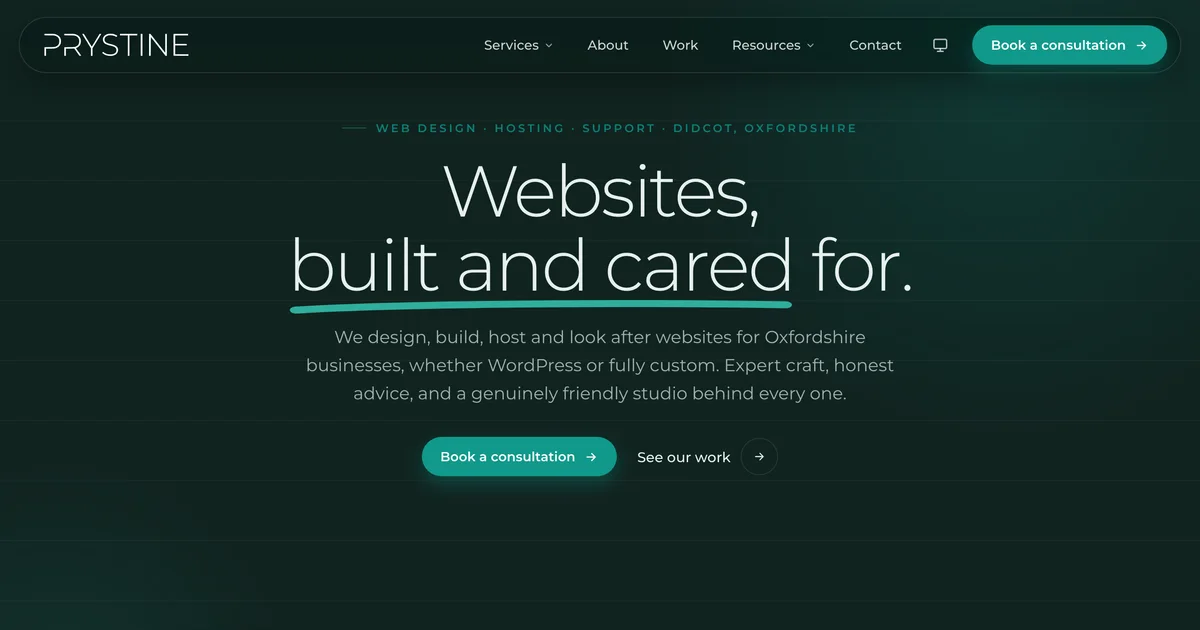
You know the old line about the cobbler’s kids having no shoes? That was my website.
I spend my working life building fast, well-looked-after sites for other people, and meanwhile my own was a perfectly nice WordPress site quietly carrying more plugins and page weight than it really needed. Classic.
So I rebuilt it. From the ground up, on Astro. Here’s what actually changed, and why I’d do it again.
Hang on, you didn’t use WordPress?
I know. I build WordPress sites for a living and the first thing I do for my own is reach for something else. But hear me out.
WordPress is brilliant when you need a CMS that non-technical people edit every day: plugins for everything, a proper admin, content changing constantly. My marketing site is… a marketing site. It doesn’t change ten times a day. It doesn’t need a database spinning up on every single page load just to render some words I wrote months ago.
That’s the bit people forget. A traditional WordPress page gets assembled fresh, on the server, every time someone visits. For a busy shop or a membership site, fair enough. For a brochure site, it’s an awful lot of effort to show the same words to everyone.
Static site generation, or: do the work once
Astro does something refreshingly sensible. It builds every page into plain HTML at build time, once, when I deploy, and then just serves it. No database call when you land on the homepage. No PHP assembling things on the fly. Just a file, delivered from Cloudflare’s edge network, about as close to you as the internet gets.
The result is a site that loads properly fast, costs almost nothing to host, and has a much smaller attack surface. There’s no live database or admin login sitting on the public site for bots to poke at. Security by absence, basically. You can’t hack a login page that isn’t there.
The dynamic bits still work, by the way. The contact and support forms, the instant quote tool: they run as small serverless functions, only when they’re actually needed, instead of the entire site pretending to be “dynamic” all the time.
Motion, but make it tasteful
I wanted the new site to feel alive without being one of those sites that hijacks your scroll and makes you sit through a five-second animation before you’re allowed to read a sentence. We’ve all been there. It’s exhausting.
So there’s motion. Things ease in, the hero responds to scroll, the work gallery moves. But it’s subtle, and crucially it gets out of the way. And if you’ve got “reduce motion” switched on in your system settings (a lot of people do, for very good reasons), the site quietly respects that and serves you the calm version. Animation should be a garnish, not the whole meal.
Dark mode, done properly
The whole site is themed in light and dark, and it follows your system preference automatically, with a little toggle in the header if you fancy overriding it. No flash of the wrong colour as the page loads, no half-baked dark mode where the text vanishes into the background.
Doing dark mode badly is genuinely worse than not doing it at all, and I was determined not to ship the version where you can’t read anything.
The numbers
Lighthouse is Google’s site-quality audit, and the rebuild does rather well on it. On desktop it’s a clean sweep: 100 for Performance, 100 for Best Practices, 100 for SEO and 95 for Accessibility. On mobile, where keeping a site quick is genuinely harder, Performance still lands at 94, with the same 95, 100 and 100 across the rest.
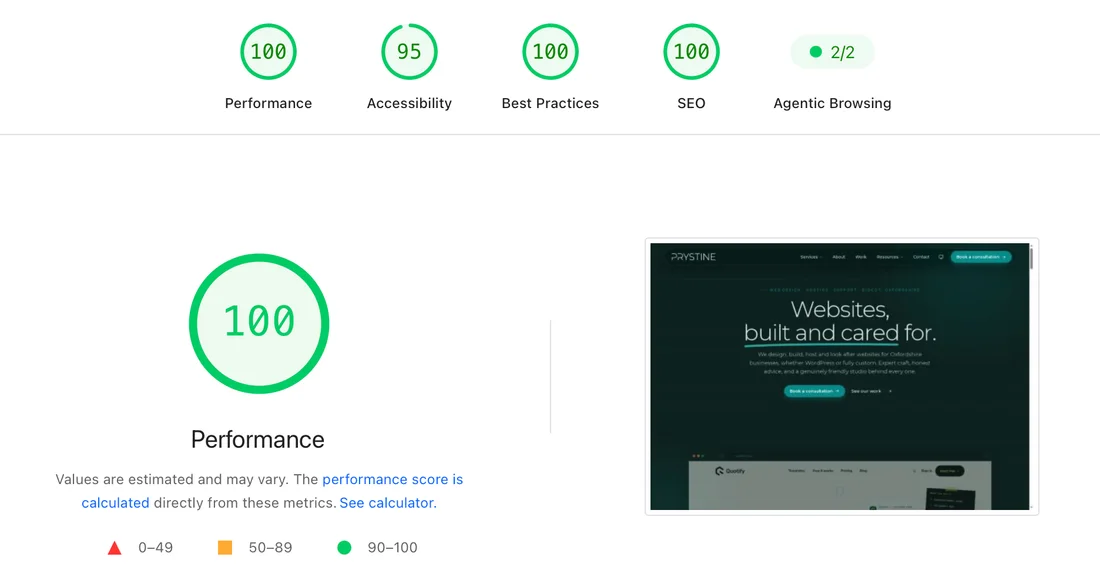
I’ll be honest, those numbers made my day.
The bit I’m genuinely chuffed about, though, is the carbon side. The site scores an A+ on Website Carbon, cleaner than the vast majority of pages they test. That’s a knock-on benefit of everything above: less page weight, fewer requests, renewable-powered hosting. A fast site and a low-carbon site turn out to be largely the same thing, which is convenient.
If you want the longer version of how we keep things green (renewable hosting, tree planting, the lot), it’s all on our sustainability page.
Was it worth it?
Honestly, yes. Not because the old site was broken (it wasn’t), but because the new one is faster, leaner, cheaper to run, nicer to look at, and it practises what I spend all day preaching.
If your own site’s been bottom of the to-do list for a while, take this as a gentle nudge. The cobbler’s kids deserve shoes too.

Josh Cox
I'm Josh — I build, host and look after WordPress sites (and increasingly fast Astro / Next.js builds) for Oxfordshire businesses, from Didcot, since 2016. I also tinker with a few products of my own on the side.