TL;DRCal.com is the first hosted scheduling tool I’ve actually wanted to keep using. It’s a fantastic bit of kit: flexible enough for serious use, pleasant for the person doing the booking, backed by an unusually generous free tier, and it fits the way I work. The shift to closed-source takes a little shine off on princi…
If you’ve read my Fluent Booking review, you’ll know I lean hard towards keeping things native to WordPress. No external platforms, no embedded iframes, no SaaS dependencies. So a hosted scheduling tool was never the obvious choice for me.
And yet, for my own bookings, Cal.com has quietly become the tool I reach for. Here’s why it won me over.
Why I like Cal.com
Genuinely flexible scheduling
In my Fluent Booking review I noted it nails simple time-slot booking but doesn’t yet handle the more advanced stuff. Cal.com is where that gap closes. Round-robin assignment, collective and group events, multiple connected calendars, buffers, minimum notice, booking limits. It scales from “book a call with me” all the way up to a proper team scheduling system without feeling heavy.
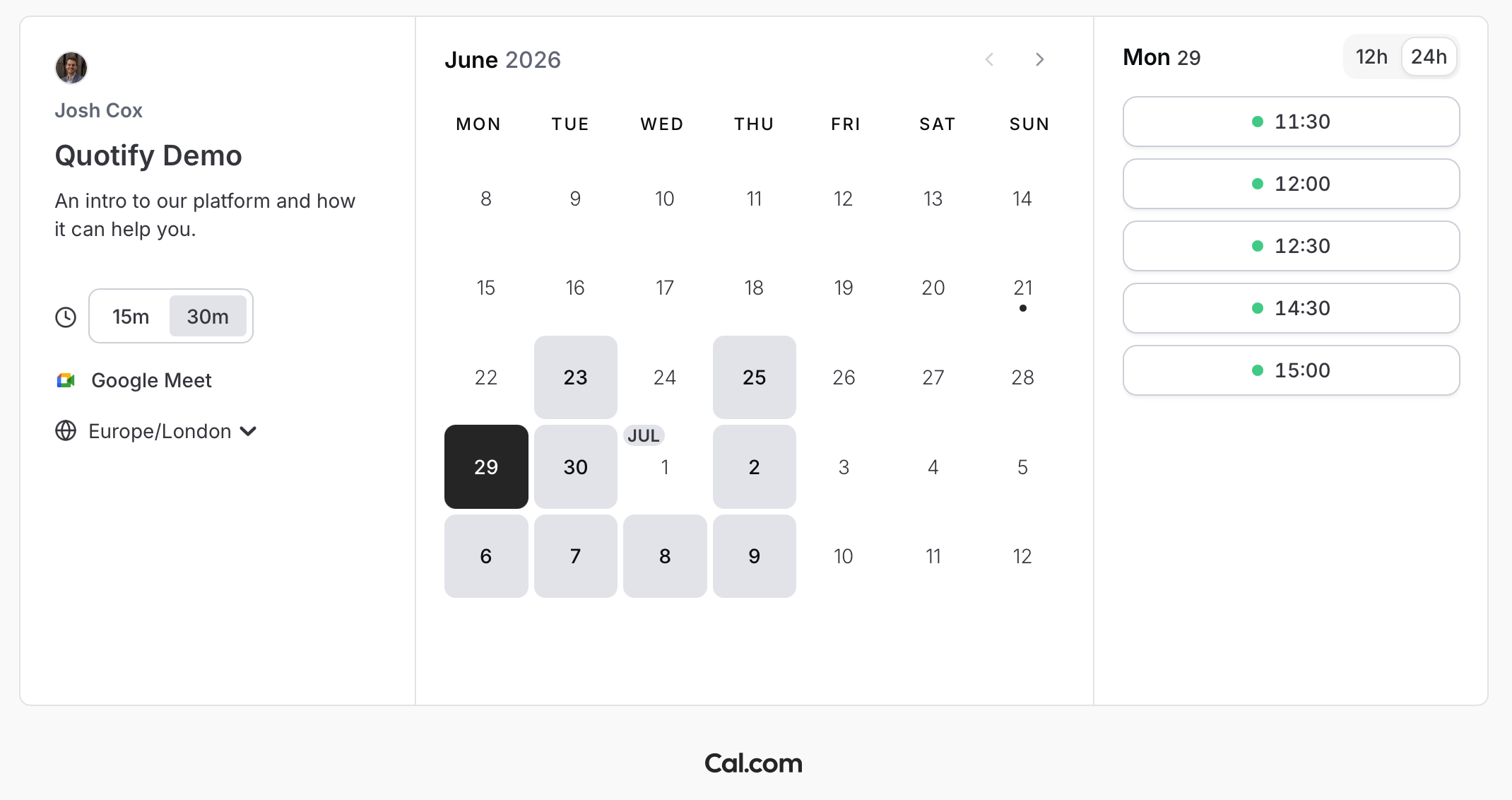
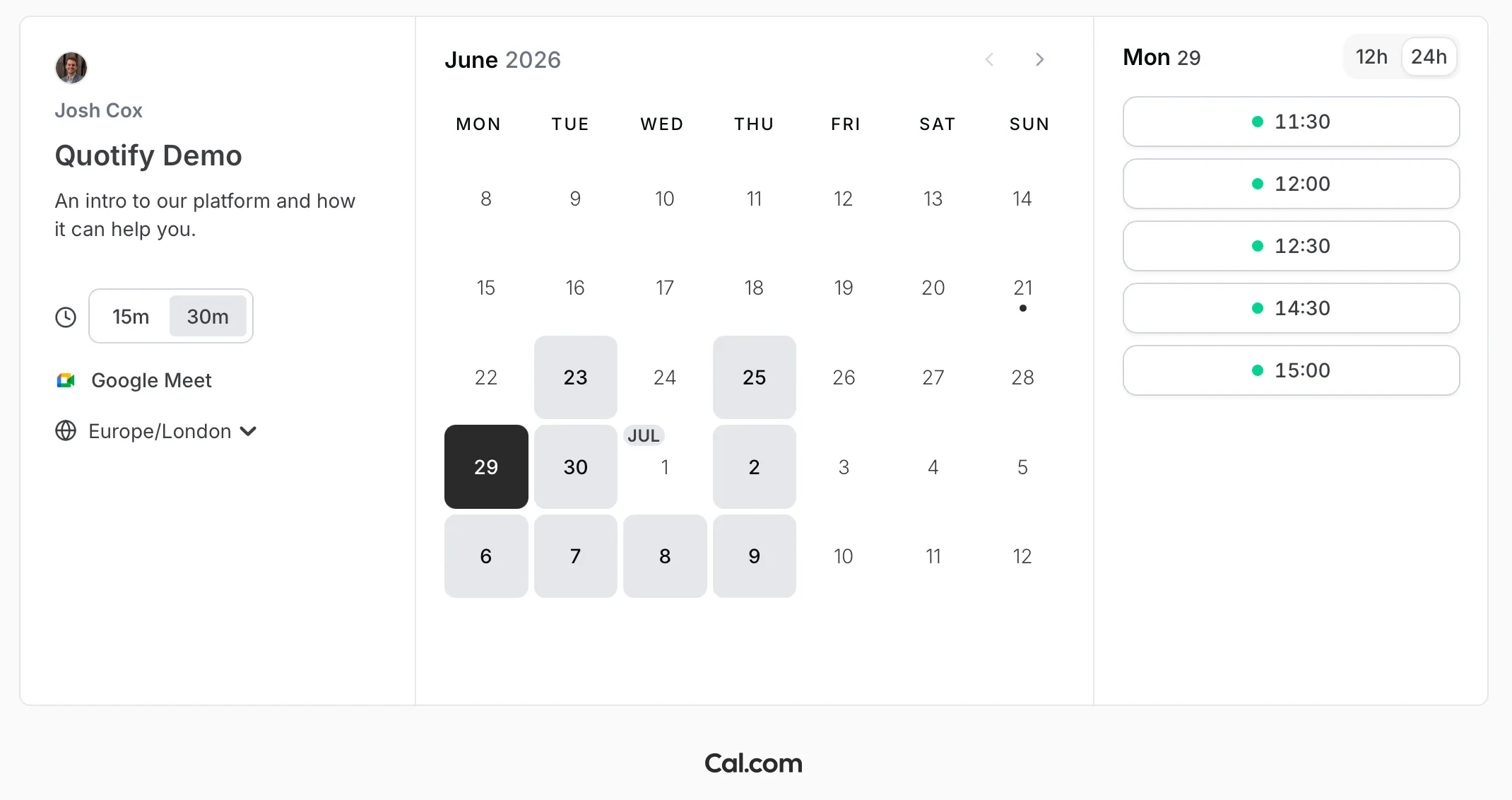
A Cal.com booking page
A clean booking experience
The booking pages are fast, tidy and uncluttered, and they don’t scream “third-party widget”. You can point a custom domain at it, brand it, and it feels like part of your own site rather than a bolt-on.
Integrations that just work
Google Calendar, Outlook, Zoom, Google Meet, Stripe for paid bookings, plus webhooks and a proper API if you want to wire it into something else. It slotted into how I already work without a fight.
A genuinely generous free tier
This deserves a mention on its own. The free tier isn’t a crippled trial that nudges you to pay within a week. It’s genuinely usable for an individual: unlimited event types, the integrations that matter, and a polished booking page, all without reaching for your card. That’s rare, and it’s a big part of why I’d happily recommend it to someone just getting started.
A note on the move to closed source
I’ll be straight with you, because it matters. Part of Cal.com’s original appeal was that it was open-source. In April 2026 the company moved its main production codebase from open-source to closed-source, with the reasoning being that AI can now be pointed at public code to systematically hunt for vulnerabilities, so closing it down better protects customer data.
There’s still an open community edition, Cal.diy, released under the MIT licence, if self-hosting or tinkering is what you’re after. But the hosted product most people actually use is now closed-source, and the two have diverged.
Do I love that? Not really. The open ethos was a genuine draw. But in terms of how I use it day to day, on the hosted plan, nothing about the experience has changed, and the tool still does the job better than anything else I’ve tried. If a fully open stack is a hard requirement for you, Cal.diy is the route, just go in with eyes open about the divergence.
When I’d still reach for Fluent Booking
This isn’t me abandoning WordPress-native booking. For a lot of client sites, Fluent Booking is still the better call. If everything already lives in WordPress and you want bookings in the same dashboard, with the same login, feeding the same automations, keeping it native is simpler and there’s no extra platform to manage. Horses for courses.
Cal.com earns its place when you want power and flexibility, or when scheduling isn’t tied to a WordPress site at all.
The verdict
Cal.com is the first hosted scheduling tool I’ve actually wanted to keep using. It’s a fantastic bit of kit: flexible enough for serious use, pleasant for the person doing the booking, backed by an unusually generous free tier, and it fits the way I work. The shift to closed-source takes a little shine off on principle, but it hasn’t changed the day-to-day one bit, and for my own scheduling it’s an easy recommendation.
If you want to give it a go, you can get started with Cal.com here.
Frequently asked questions
Is Cal.com free?
Is Cal.com still open source?
Cal.com or Calendly — which is better?

Josh Cox
I'm Josh. I build, host and look after WordPress (and modern Astro / Next.js) sites from Didcot. These are honest reviews of tools I actually use day to day, all part of the stack I build on. Some links are affiliate links; they never change my verdict.