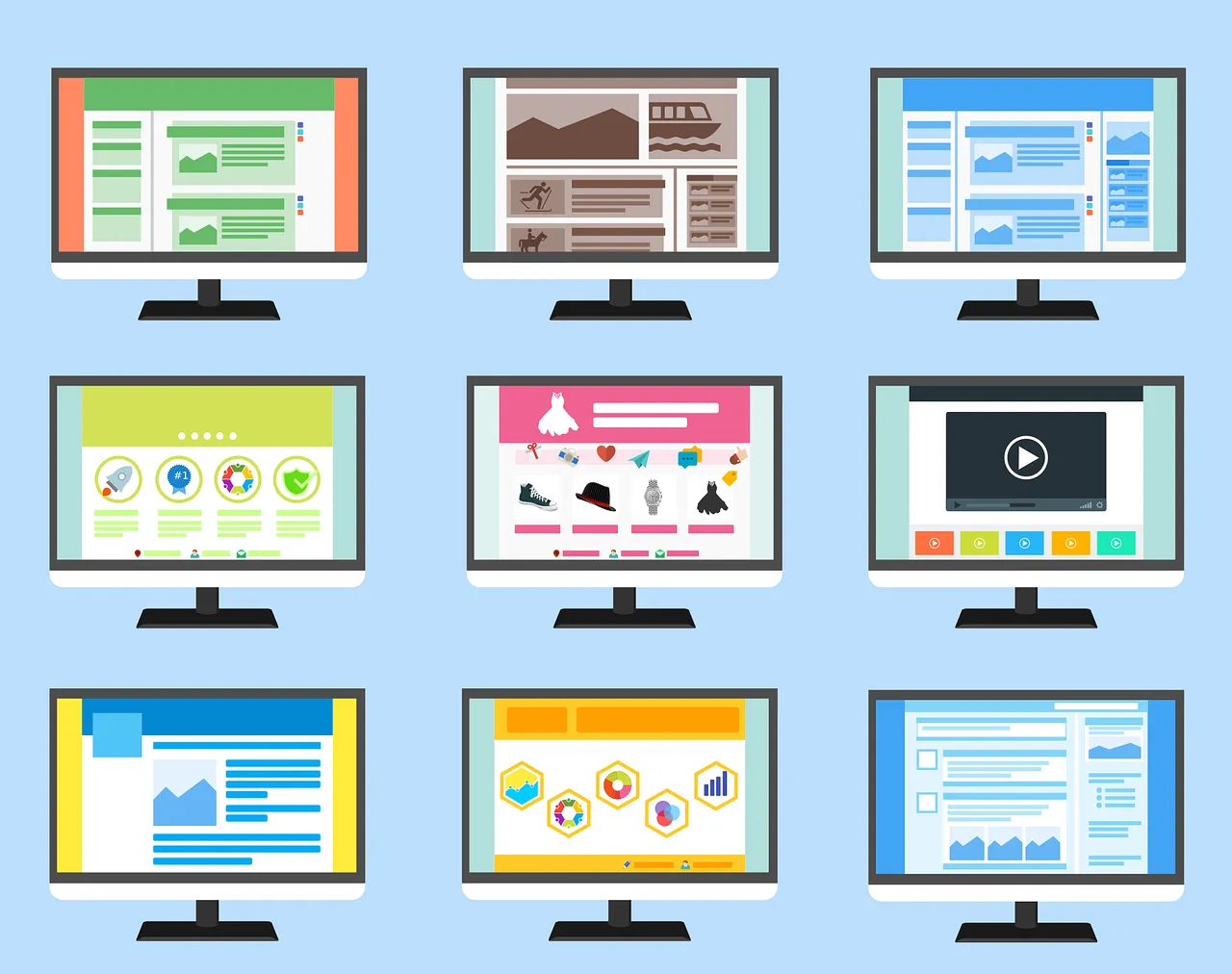
In today’s fast-paced business world, keeping track of data is more important than ever. However, let’s be honest—digging through endless spreadsheets or multiple systems to find the information you need is time-consuming and frustrating. That’s why your business needs a custom dashboard for better management. A custom dashboard can be a game-changer, providing you with a central hub to access and analyse key business data in real time.
What is a Dashboard?
A dashboard is a central hub where you can see key business data at a glance. Think of it like a car dashboard—it gives you an instant snapshot of everything you need to know, from speed to fuel levels. In business, a dashboard can display important metrics such as sales performance, stock levels, customer activity, or company policies—all in one easy-to-access place.
The Benefits of a Business Dashboard

1. Data Visualisation for Faster Decision-Making
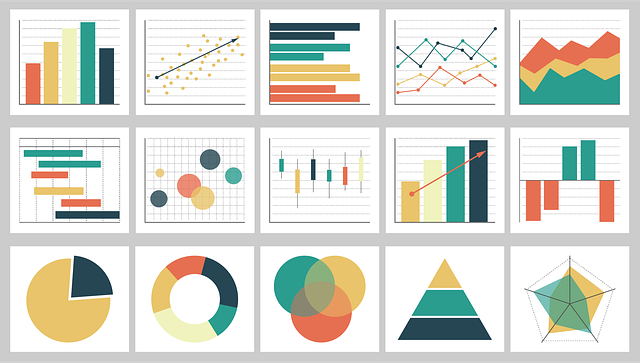
Numbers in a spreadsheet can be overwhelming. However, a well-designed dashboard transforms raw data into easy-to-understand charts and graphs. Instead of scanning through rows of figures, you can quickly spot trends and make informed decisions based on real-time insights.
2. Improved Stock and Inventory Management
If your business involves managing stock, a dashboard can help you track inventory levels in real-time. For instance, you can set alerts for low stock, monitor sales patterns, and reduce the risk of over-ordering or running out of essential products. This ensures smooth operations and cost savings.
3. Centralised Access to Key Business Information
From company policies to staff schedules, businesses deal with a lot of information. In addition, a dashboard allows you to store and access important documents in one place, ensuring everyone has the latest updates without needing to dig through emails or file folders.
4. Increased Efficiency and Productivity
Time wasted searching for data or manually compiling reports is time that could be spent growing your business. As a result, dashboards automate data collection and present key insights in real-time, reducing manual effort and increasing productivity.
5. Customisation to Suit Your Business Needs
Every business is different, which is why custom dashboards are so valuable. Whether it’s tracking sales, employee performance, or website traffic, a tailored dashboard ensures you see the most relevant data for your operations.
Ready to Streamline Your Business Management?
At Prystine Web Solutions, we specialise in developing intuitive, visually engaging dashboards that put you in control of your business data. For example, whether you need to monitor stock levels, track performance metrics, or centralise company documents, we can build a solution tailored to your needs.
Get in touch with us today and let’s discuss how a custom dashboard can help you work smarter, not harder!

Josh Cox
I'm Josh — I build, host and look after WordPress sites (and increasingly fast Astro / Next.js builds) for Oxfordshire businesses, from Didcot, since 2016. I also tinker with a few products of my own on the side.