TL;DRAs a WordPress agency, speed isn’t just a nice-to-have, it’s a must-have. From SEO to UX (User eXperience) to conversion rates, performance affects everything. And after testing most caching and optimisation plugin on the market, we kept coming back to WP Rocket. It’s not the cheapest, but it is the most reliable “s…
As a WordPress agency, speed isn’t just a nice-to-have, it’s a must-have. From SEO to UX (User eXperience) to conversion rates, performance affects everything. And after testing most caching and optimisation plugin on the market, we kept coming back to WP Rocket.
It’s not the cheapest, but it is the most reliable “set-it-and-forget-it” performance plugin we’ve used, especially for clients who need results without technical headaches.
Here’s why it earns a permanent spot in our toolkit.
Easy setup
Most caching plugins are either too basic or try to turn every possible setting into a dropdown. WP Rocket hits the sweet spot; powerful enough for developers, but simple enough for site owners.
Just activate it and your site gets:
- Page caching
- Browser caching
- GZIP compression
- Cache preloading
Right out of the gate, you get an instant speed boost with no extra setup required.
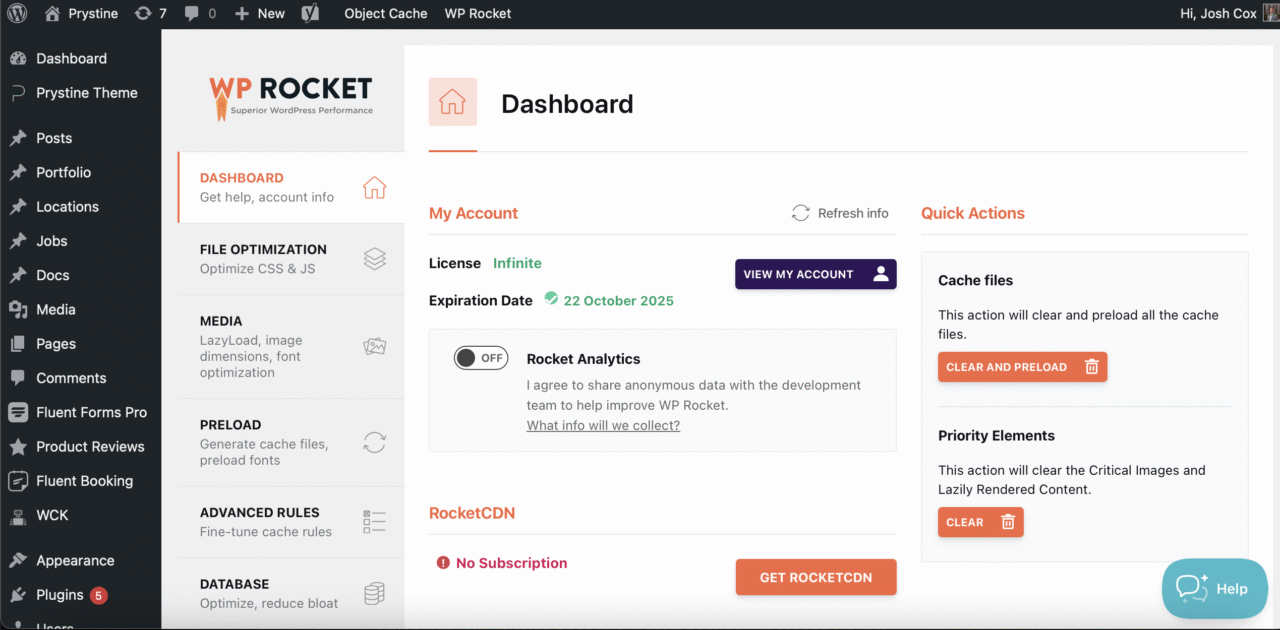
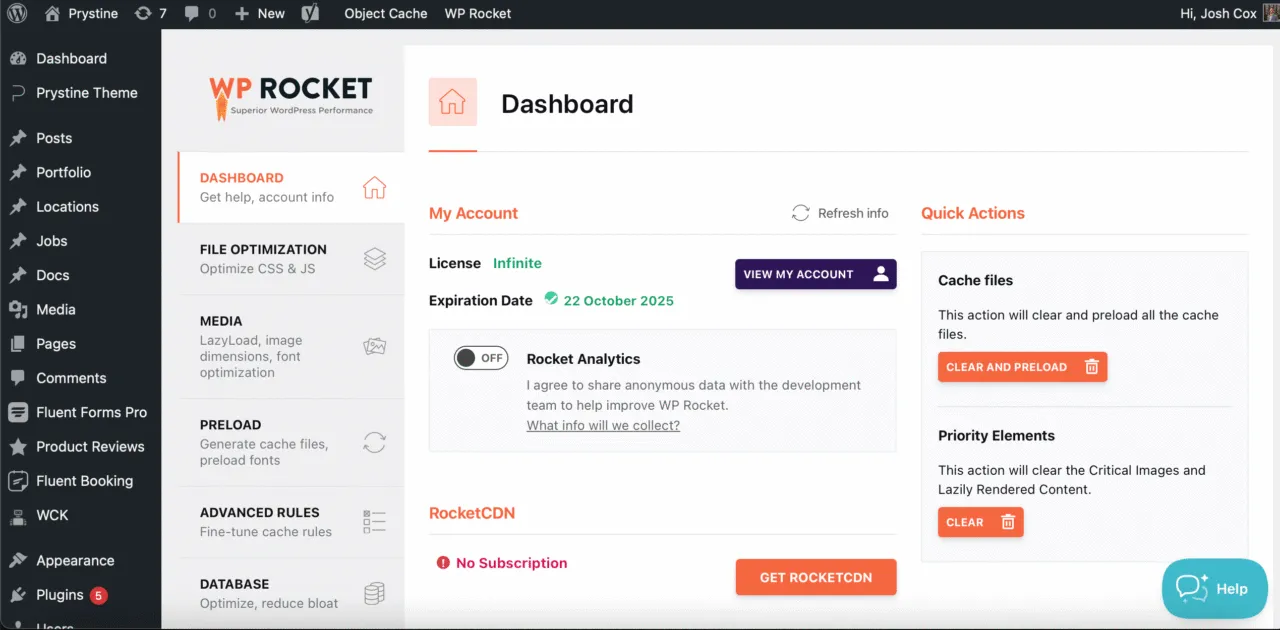
WP Rocket’s Dashboard
Real-world speed gains
We’ve seen load times drop from 5s to under 2s just by activating WP Rocket on mid-tier hosting. On premium setups like ours it pushes sites even further.
Throw in some lazy loading and remove unused CSS, and you’ve got green Lighthouse scores with minimal effort.
Proof is in the pudding
Our website uses WP Rocket and I’d like to think we score pretty high:
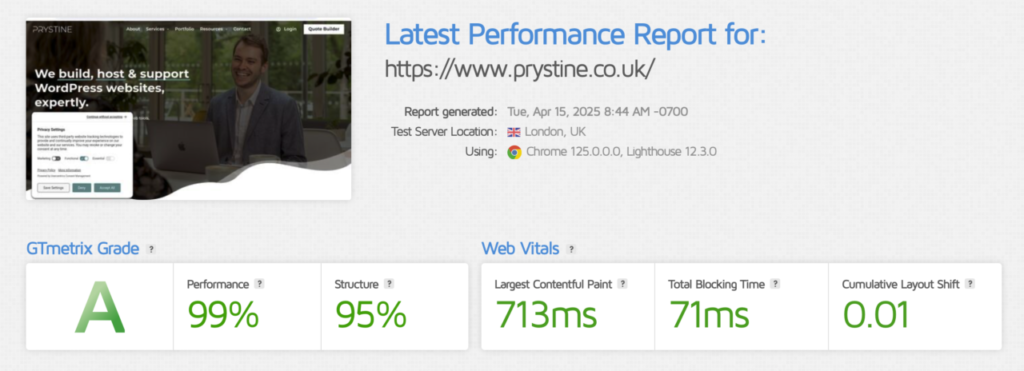
GT Metrix of our Homepage
Smart, safe minification
Unlike some free caching plugins that aggressively minify scripts and break your theme, WP Rocket is conservative by default, but lets you enable optimisations piece by piece.
That means fewer support calls like “my products have stopped showing” after someone toggles a setting.
Integrates with everything
WP Rocket supports CDNs, WooCommerce, multilingual plugins, and just about every theme and page builder we’ve thrown at it.
You’re not fighting with compatibility issues every update, it just works, so hats off to the devs who support and maintain the plugin.
Any downsides?
Only a couple, but nothing major:
- It’s paid only. No free version to trial – although there’s a 14-day refund policy.
- Can overlap with host-level caching. If your host already handles caching, you’ll want to disable some features to avoid conflicts.
Frequently asked questions
Is WP Rocket worth it?
Is there a free alternative to WP Rocket?
Does WP Rocket really improve Core Web Vitals?

Josh Cox
I'm Josh. I build, host and look after WordPress (and modern Astro / Next.js) sites from Didcot. These are honest reviews of tools I actually use day to day, all part of the stack I build on. Some links are affiliate links; they never change my verdict.