TL;DRFlyWP is the piece that makes self-managed cloud hosting practical for me. Pair it with Vultr and you get fast, controllable, properly managed WordPress hosting without the usual server headache. For a relatively young tool it punches well above its weight, and I reach for it on every cloud build.
Cloud servers are fast and cheap. They’re also, if you’re being honest, a faff to set up and look after. Provisioning, web-server config, SSL, backups, security, updates: it’s a lot, and it’s exactly the sort of work that eats an afternoon. FlyWP is the layer that makes all of that go away.
What it does
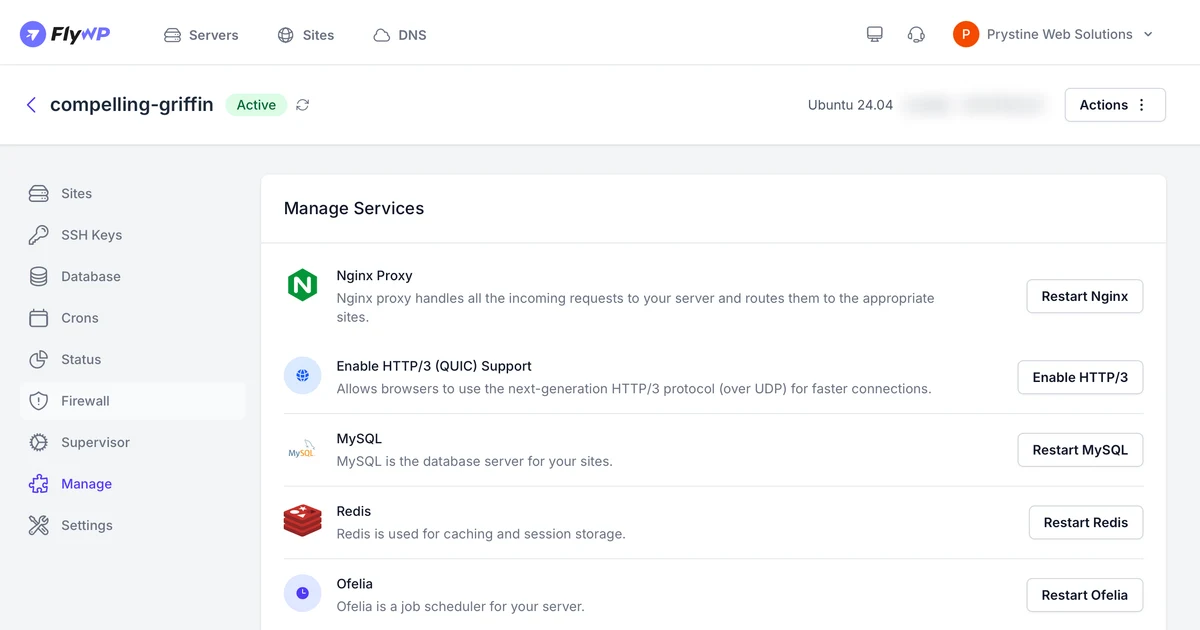
FlyWP connects to your cloud account (Vultr, DigitalOcean, Hetzner and the rest), provisions a properly configured server in a few clicks, and gives you a clean dashboard to run WordPress sites on it. SSL, backups, staging, a fast web server (OpenLiteSpeed), all without touching the command line.
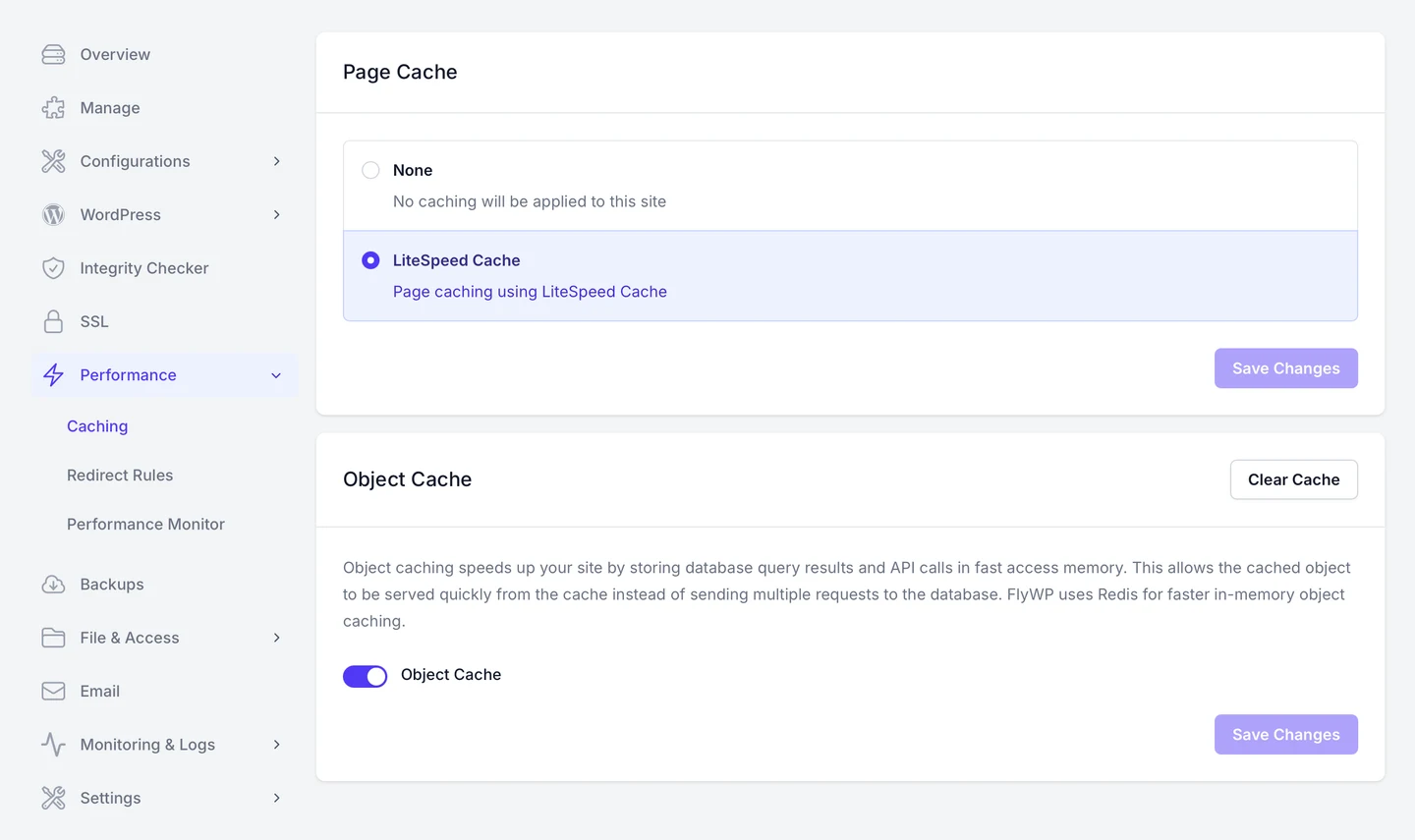
Caching set up the sensible way: LiteSpeed for pages, Redis for objects, a click each and no config files.
Why I use it
It turns raw cloud into a real host
This is the key one. A Vultr server plus FlyWP gives me the performance and control of cloud with the convenience of managed hosting. I get to choose the hardware and keep ownership, while FlyWP handles the bits that would otherwise need a sysadmin.
Clean and quick
The interface is tidy and it stays out of the way. Spinning up a new site or server is genuinely a few-minutes job, which matters when you do it often.
Sensible by default
It sets things up the right way out of the box, with a fast stack and good security, so I’m not undoing questionable defaults before I start.
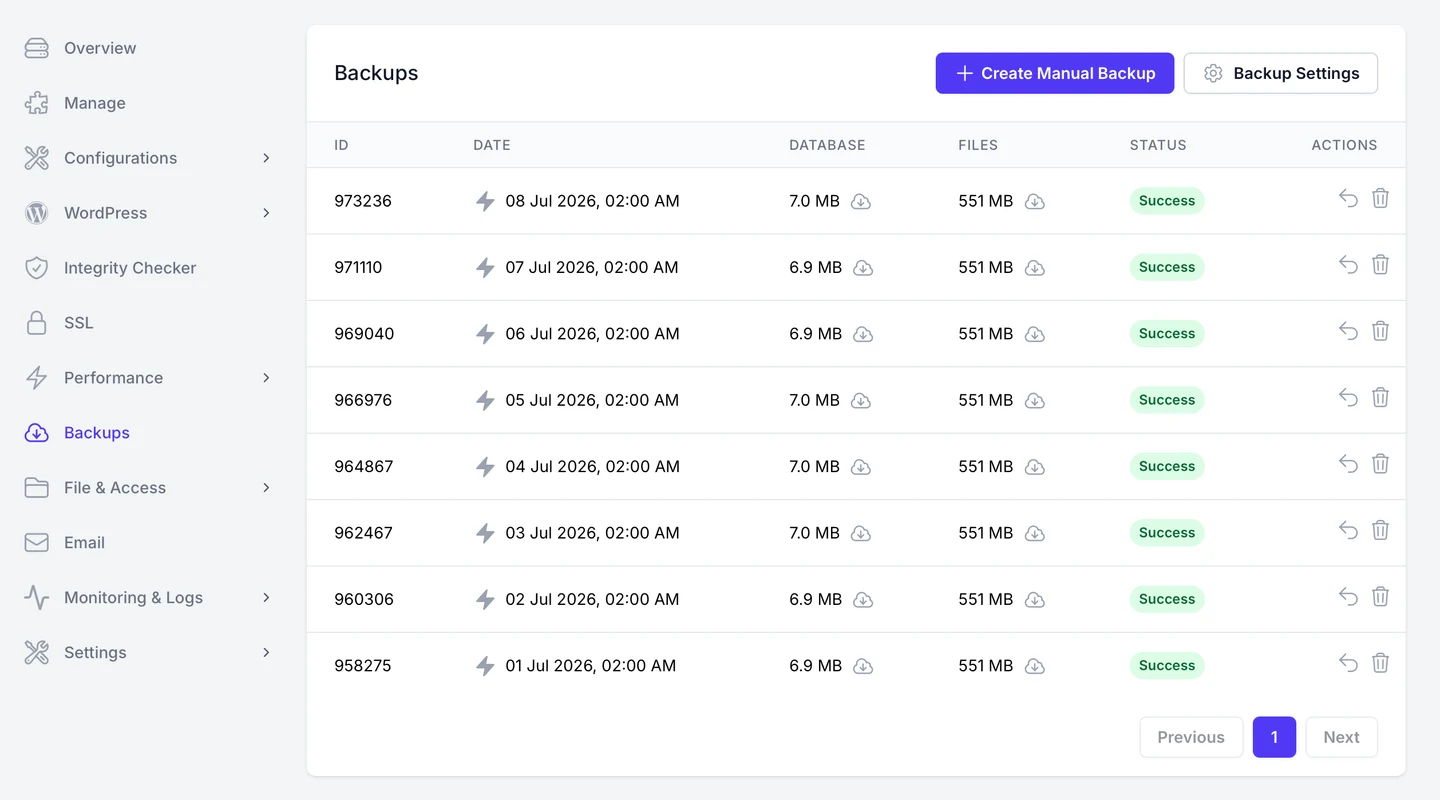
Automated daily backups, ticking over in the background. One less thing to remember.
The honest caveat
Two honest notes. First, FlyWP is younger than the old guard of control panels, so if you need something that’s been in cPanel for fifteen years, check it’s there first. Second, and more telling: when I’ve needed their support, it’s been on the slow side. The panel itself is genuinely easy to use and gives you full control over the VPS, which is most of the battle, but don’t bank on instant answers when something stumps you.
Who it’s for
Developers and studios who want cloud performance without becoming part-time sysadmins. If you’ve ever looked at a bare server and thought “I’d rather not”, FlyWP is for you. It’s a core part of the stack I build on.
The verdict
FlyWP is the piece that makes self-managed cloud hosting practical for me. Pair it with Vultr and you get fast, controllable, properly managed WordPress hosting without the usual server headache. For a relatively young tool it punches well above its weight, and I reach for it on every cloud build.
You can take a look at FlyWP here.
Frequently asked questions
What is FlyWP?
Is FlyWP free?
FlyWP vs cPanel or RunCloud?

Josh Cox
I'm Josh. I build, host and look after WordPress (and modern Astro / Next.js) sites from Didcot. These are honest reviews of tools I actually use day to day, all part of the stack I build on. Some links are affiliate links; they never change my verdict.