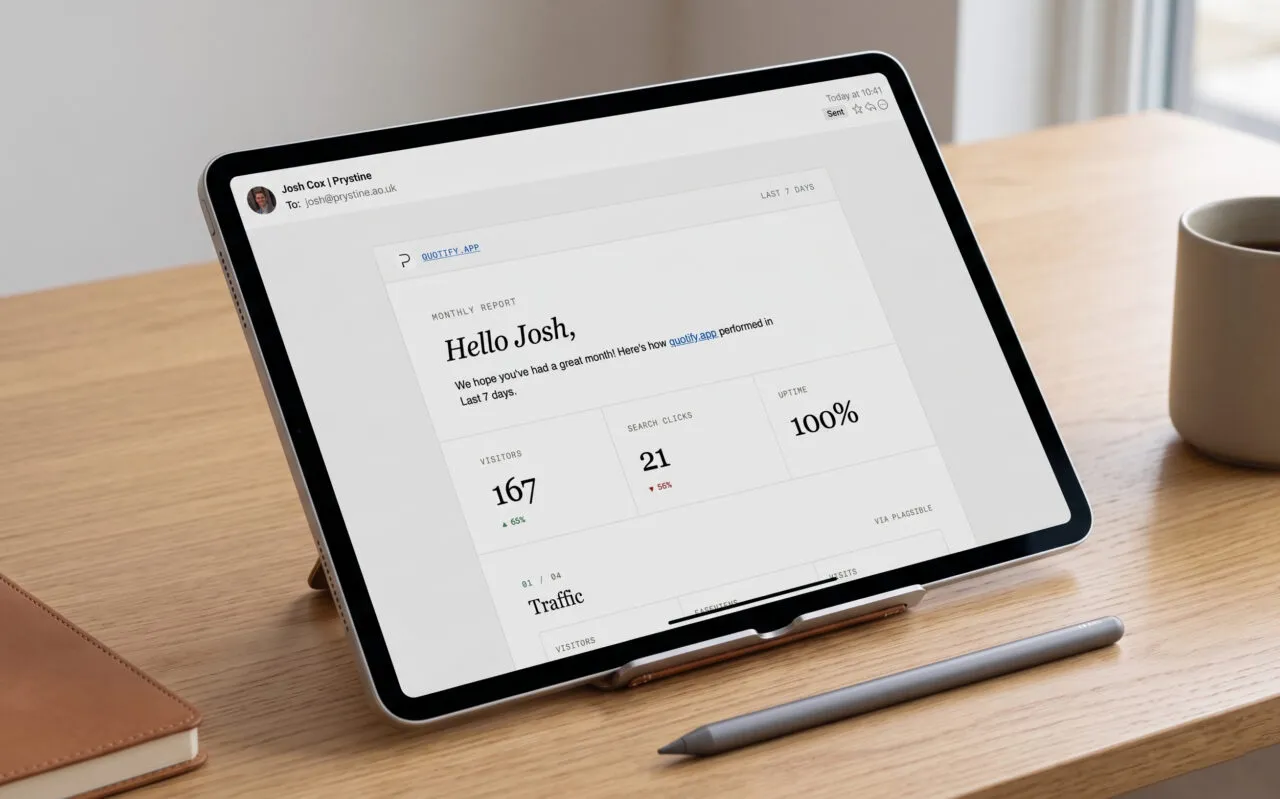
Last week I gave the customer portal and its emails a makeover. Then I made the mistake of clicking on everything the portal links to.
The status page, the webmail sign-in, the page people see on a domain with no website yet… All perfectly functional. All looking like they’d wandered in from a different company.
So they’ve had the same treatment. Same logins, same everything underneath. They just look like they’re mine now.
Webmail has its own address
If you read your email in a browser, there’s a new address to bookmark: webmail.prystine.co.uk.

The new webmail sign-in, with the lights off.
It’s the same webmail as before, and you sign in with the same email address and password. The sign-in page has just been rebuilt to match the portal: my logo, clear labels, one big button, and a “Need help?” link at the bottom that comes straight to me. It follows your device’s light or dark setting, too.
Your mail app doesn’t need touching. Outlook, Apple Mail and the mail app on your phone all carry on exactly as they are, and the server settings in my email settings guide haven’t changed.
The status page explains itself
The service status page is where you check for a problem with the hosting platform, or planned maintenance coming up.

The status page, with the explanation right at the top.
The useful change isn’t the paint job. It’s the two sentences at the top. A status page reports problems with the whole platform, so it won’t spot a broken contact form or a plugin that’s fallen over on your site. If your site’s playing up and the status page says everything’s fine, that’s a “your site” problem rather than an “everyone’s site” problem, and one for me to look at. The page now says exactly that, with a link to get in touch.
There’s also a link back to your account in the header, and yes, a dark mode. There’s more on what it covers in my status page guide.
The sign-in page matches
The customer portal sign-in page has been tidied up to match, with “Forgotten your details?” sitting right underneath if you need it.

The customer portal sign-in.
A proper “coming soon” page
If you’ve registered a domain with me and there’s no website on it yet, visitors used to see a plain blue box that said “New Website”. It did the job, in the way a sticky note does.

What visitors see on a domain that doesn’t have a website yet.
Now they get a clean card with your domain name front and centre, a line saying the website isn’t live yet, and a small “Domain registered with Prystine” underneath. Your domain gets the spotlight; I stay in the corner. It’s also hidden from search engines, so Google won’t decide an empty page is your website.
The bits you’ll probably never see
A few tools in your control panel now sit on prystine.co.uk addresses too: phpMyAdmin (for databases), the website builder and FTP. You’ll mostly reach them from the control panel anyway, so you may never notice. Which is sort of the point.
What you need to do
Nothing. Your logins, your email settings and your account are all exactly as they were.
If you use webmail, it’s worth updating your bookmark to the new address. And if anything looks off, let me know and I’ll sort it.

Josh Cox
I'm Josh — I build, host and look after WordPress sites (and increasingly fast Astro / Next.js builds) for Oxfordshire businesses, from Didcot, since 2016. I also tinker with a few products of my own on the side.